
Connected stack
Northwind Health
01
Keep files private, share by role, and keep backups ready for audits.
02
Northwind Health
03
Vertex Labs
04
Orion Ledger
ENCRYPTED CLOUD STORAGE
Store files in encrypted cloud vaults, share by role, and keep audit logs ready for reviews. Start free and keep backups running in the background.

Connected stack
Keep files private, share by role, and keep backups ready for audits.
Northwind Health
Vertex Labs
Orion Ledger






CORE FEATURES
Store files in encrypted vaults with private links and file locks.
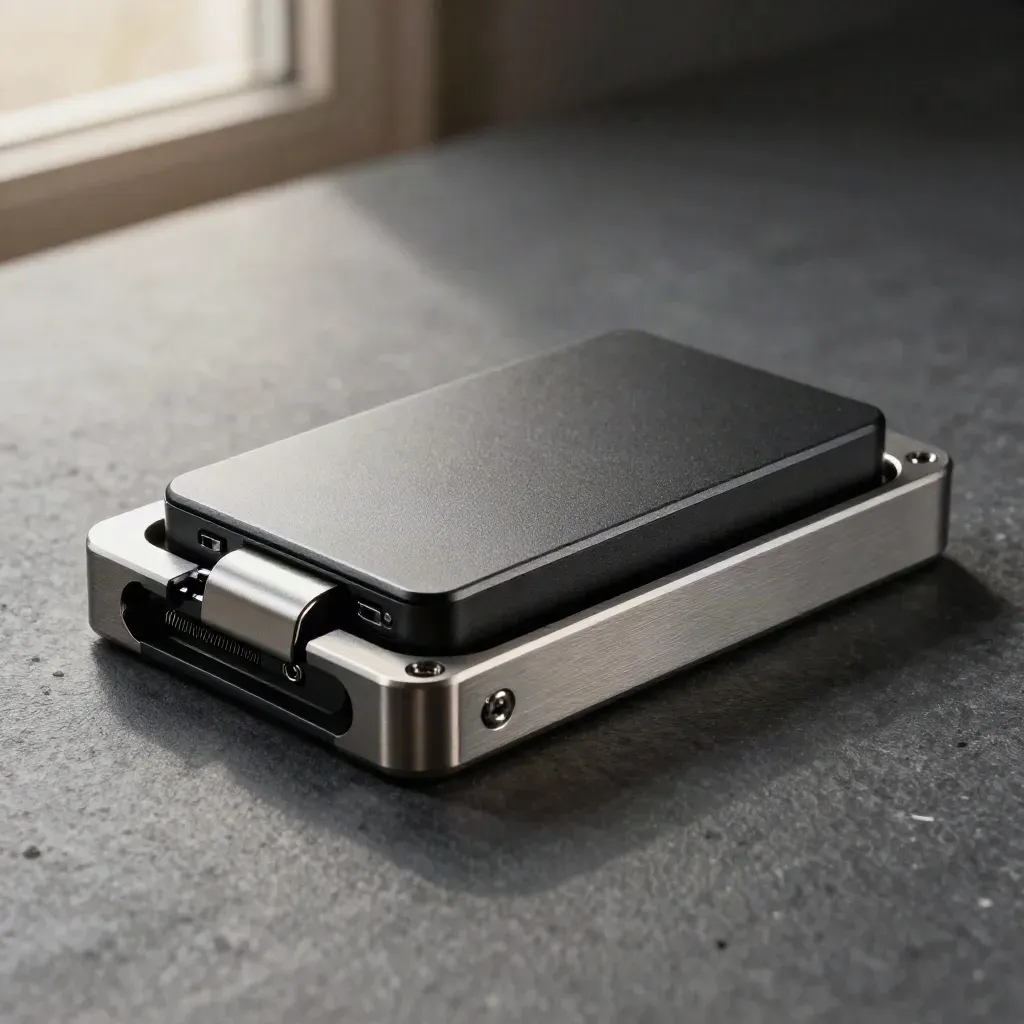
Store files in encrypted vaults with private links and file locks.
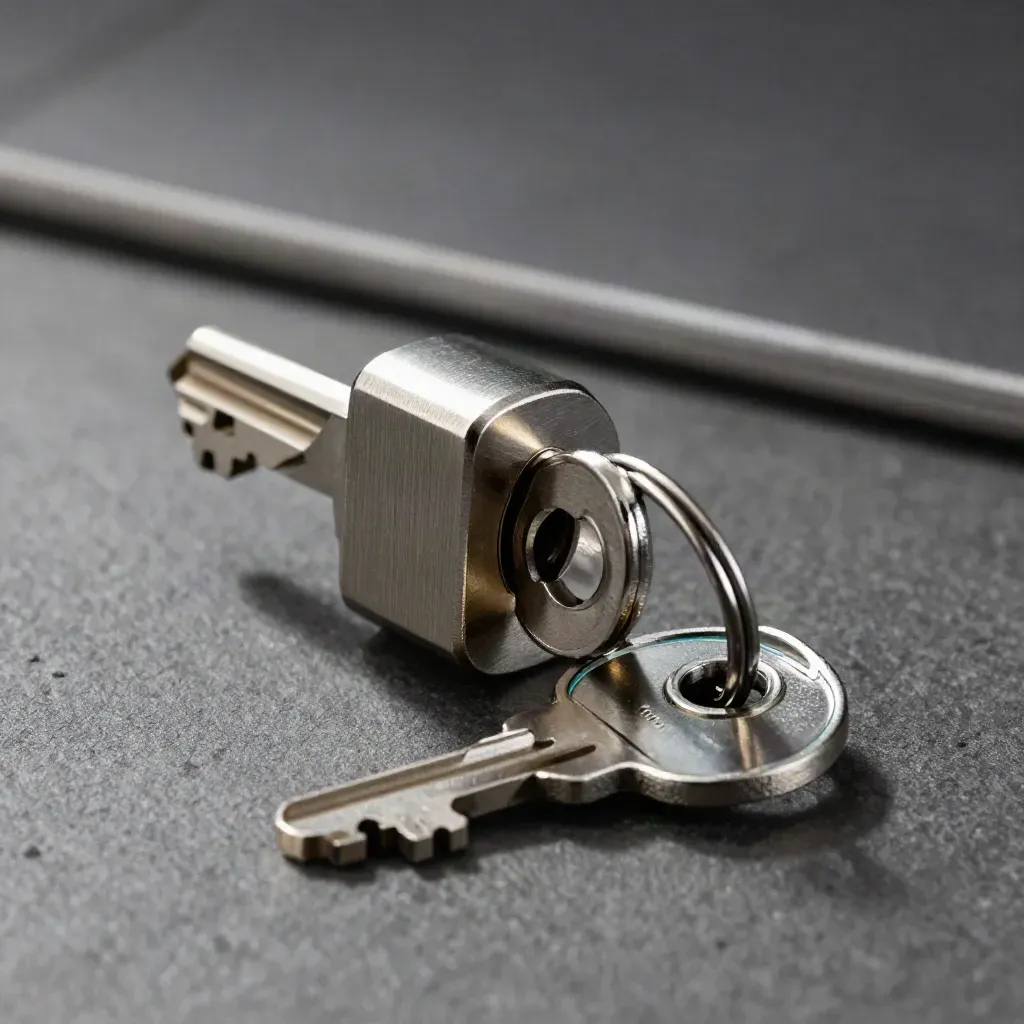
Give each user the right folder, file, or team view.

Share files with expiring links and view-only access.
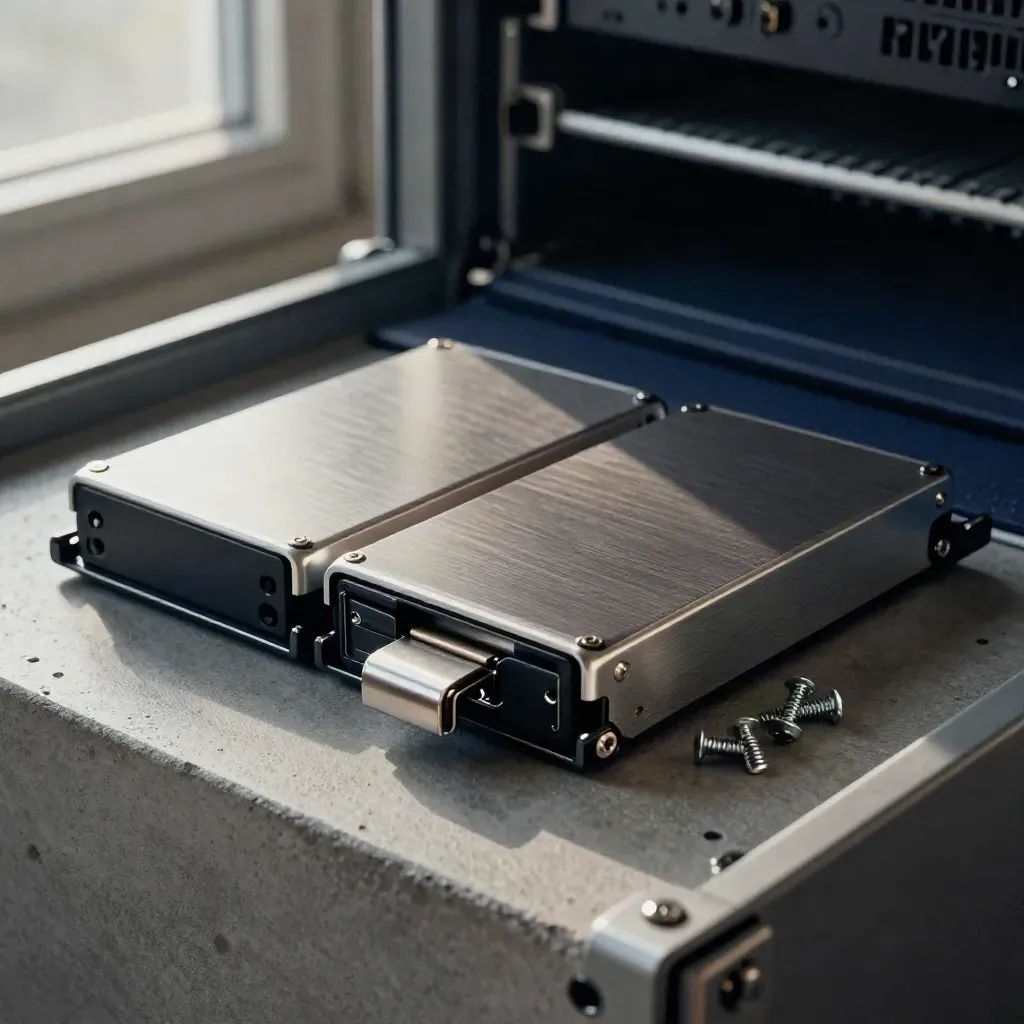
Save daily snapshots and restore deleted files fast.
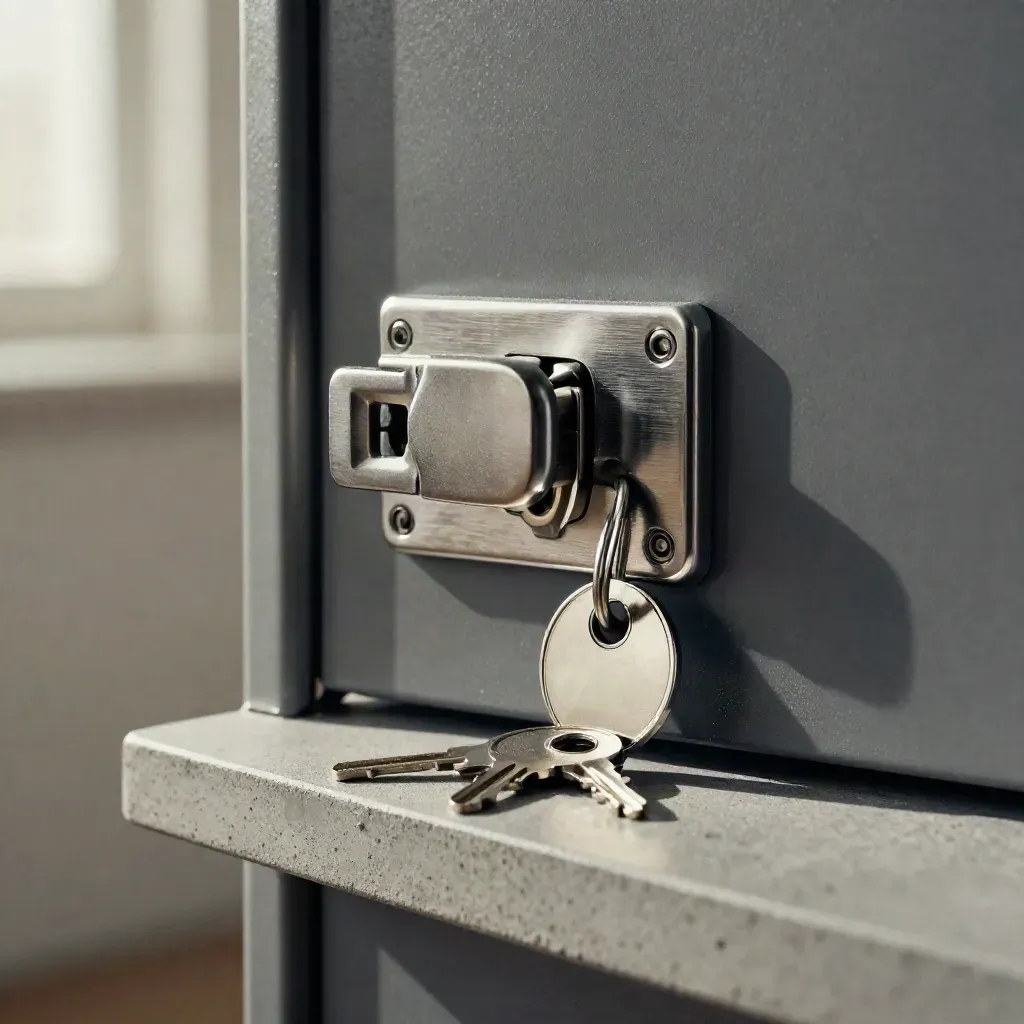
Rotate keys and limit who can open sensitive data.

See who viewed, shared, or changed each file.
FOR TEAMS THAT SHIP
Keep investor decks, HR files, and customer docs private without a big IT setup.
Store files in encrypted vaults with private links and file locks.
Give each user the right folder, file, or team view.
Share files with expiring links and view-only access.
Save daily snapshots and restore deleted files fast.

Use case 01
Keep investor decks, HR files, and customer docs private without a big IT setup.
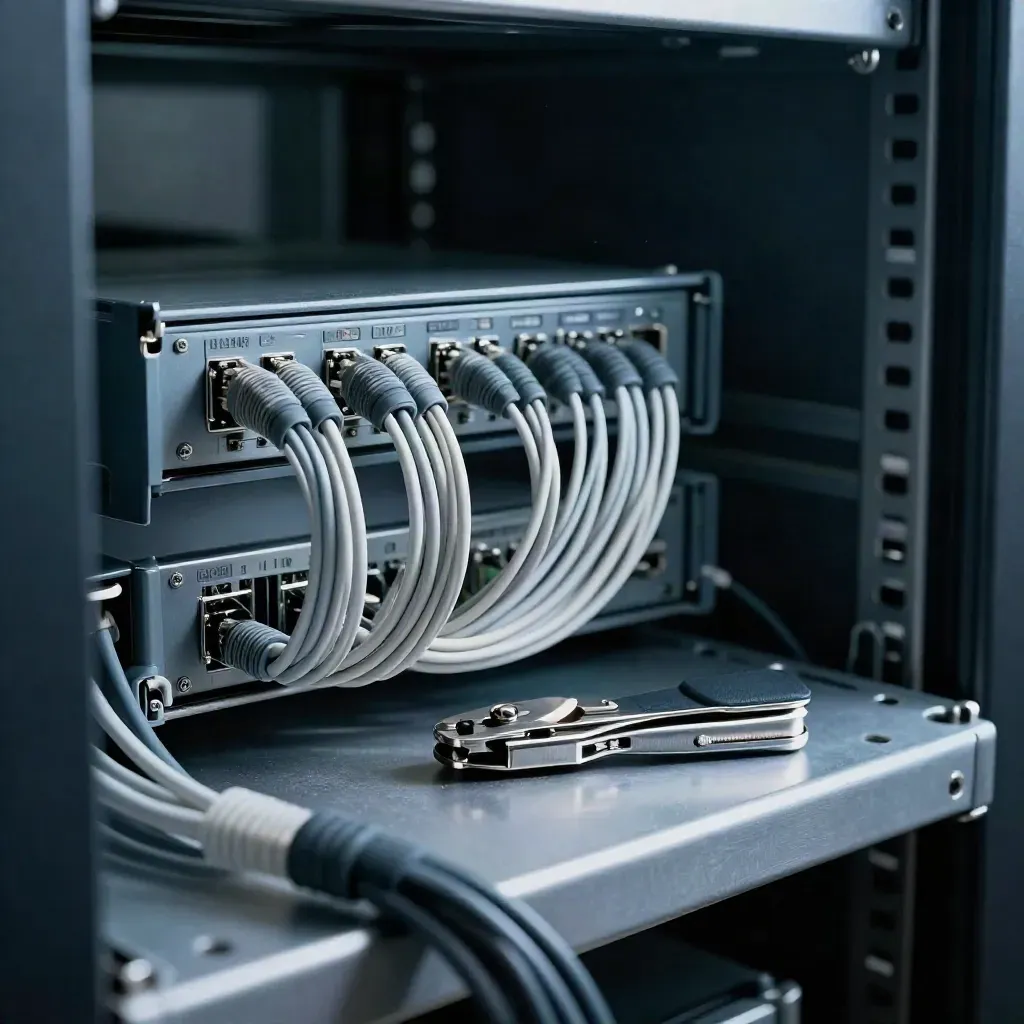
Use case 02
Set access rules, rotate keys, and see audit logs from one place.

Use case 03
Store records for audits and keep retention rules in one cloud space.
file encryption

file encryption
backup jobs
audit log history
access control
SIMPLE PRICING
10 GB encrypted storage 2 team members Weekly backup snapshots Basic access permissions 7-day audit logs
$0
10 GB encrypted storage
2 team members
Weekly backup snapshots
Basic access permissions
$49
1 TB encrypted storage
Unlimited team members
Hourly backup snapshots
Shared folders by role
Custom
Custom storage limits
SCIM user sync
Retention lock policies
Compliance archiving
Proof
“We moved client files here fast, and role access saved us from messy share links.”

Maya Chen
Ops Lead @ Northwind
“Audit logs make reviews simple, and backups gave us a clean restore after a bad delete.”

Evan Price
Head of IT @ Vertex Labs
“The team knows who can see what now, and our board files stay private.”

Leila Grant
Security Manager @ Orion Data
Integrations
Keep files private, share by role, and keep backups ready for audits.

Keep files private, share by role, and keep backups ready for audits.

Keep files private, share by role, and keep backups ready for audits.
Keep files private, share by role, and keep backups ready for audits.

Keep files private, share by role, and keep backups ready for audits.
The Map
Journal

Questions
Quick answers before visitors choose a product, service, or next step.
Files are encrypted before upload, then stored in private cloud vaults with role-based access, logs, and file locks.
Yes. Share folders or single files by user, team, or role, then set expiry dates or view-only access.
Yes. Automatic backup jobs run on schedule, so your team can restore files after a mistake or loss without asking support.
Audit logs and compliance archives keep a clear record of file access, shares, changes, and exports.
The Free plan fits small teams. Pro adds more storage, stronger controls, and longer log history for growing teams.
Yes. Admins can rotate keys, limit access, and keep sensitive files under strict control from one admin panel.
Get short emails on file security, access rules, backups, and audit prep for startup and IT teams.


